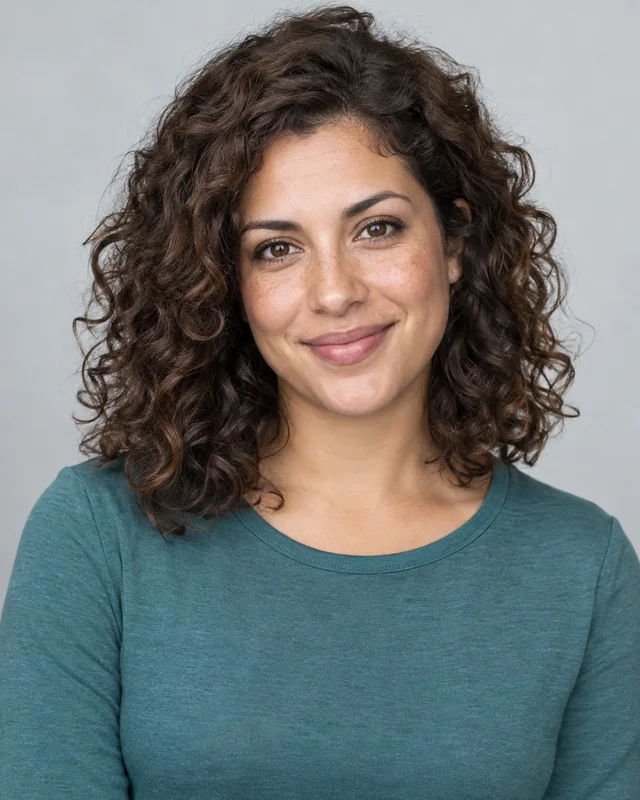
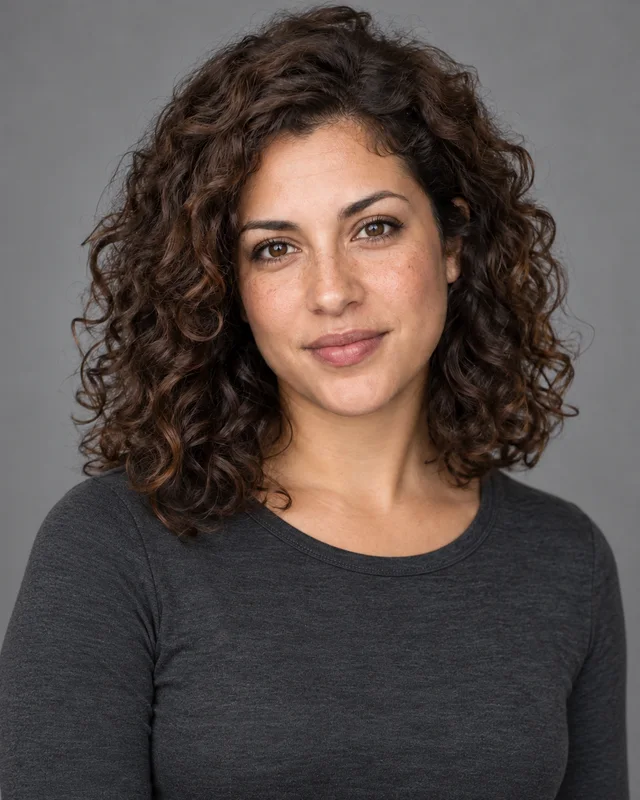
Can I use AI actor headshots for casting submissions?
Use them only where the recipient permits AI-generated images and the result represents your current appearance. Ask your agent or casting team before submitting; if they require a photographed headshot, provide that instead. Studio lighting and styling do not establish acceptance by a casting service, and we cannot guarantee it.
Do I need both a smiling and a serious portrait?
Not automatically. The expression should fit the introduction you are making. A warm, natural smile may suit a commercial direction; a relaxed, attentive expression may suit a dramatic biography. Neither needs an extreme pose or harsh lighting. Describe the intended use if you wish, and start with the system’s recommendation rather than generating a large collection to sort through.
Should I request costumes or a younger playing age?
Keep AI actor headshots grounded in your current appearance. Simple clothes and controlled lighting can suggest a tone without turning the portrait into a character still. Avoid asking for a younger face, changed facial proportions, or missing wrinkles to imply a different age. If a production needs a specific costume image, treat that as a separate brief with its own requirements.
What if my hair or facial hair has changed?
Use recent reference photos showing your current look when starting a new portrait. Editing an older result continues to use its original photos, so it should not be relied on to document a new haircut or beard. A lighting or backdrop adjustment can refine the presentation, but current source photos are the better starting point for a changed appearance.
Are AI actor headshots free to try?
You can create a free watermarked preview without an account. That preview lets you try a studio-style portrait; it is separate from the complete paid workflow with checked results, one recommendation and two alternatives per scene. Editing and downloads follow the applicable access rules shown in the shared workbench and plans.